Nord preset
Nord is the initial built-in preset for the terminal design system. It supplies palette values and semantic color assignments; shared tokens, components and native adapters remain reusable across presets. The preset input identifies its source and defines its ANSI slots. It currently inherits the shared presentation defaults without overrides.
Its sixteen base colors follow the official Nord palette: Polar Night for surfaces, Snow Storm for text, Frost for accents and Aurora for status. The application mappings are this repository’s policy. Shared diff recipes blend semantic colors into the surface at 16%, emphasized changed words at 30%, and staged signs at 55%; those recipes belong to the design system rather than the Nord palette.
Palette
Values come directly from this preset’s input, independently of the currently generated preset.
nord0#2E3440nord1#3B4252nord2#434C5Enord3#4C566Anord4#D8DEE9nord5#E5E9F0nord6#ECEFF4nord7#8FBCBBnord8#88C0D0nord9#81A1C1nord10#5E81ACnord11#BF616Anord12#D08770nord13#EBCB8Bnord14#A3BE8Cnord15#B48EADSelect this preset
Section titled “Select this preset”Choose "theme": "nord" in preset selection, then run make theme-generate. For an isolated output, use python3 scripts/theme.py --theme nord --output-dir /tmp/nord-preset. Apply configuration and use the native reload instructions in the design-system guide.
Native examples
Section titled “Native examples”These images render captured application cells, including foreground, background and emphasis. They are saved examples, not interactive previews or HTML imitations of application widgets. The JSON baselines retain attributes beyond those visible in a screenshot. Native captures use isolated homes and caches; they do not contain live session data.
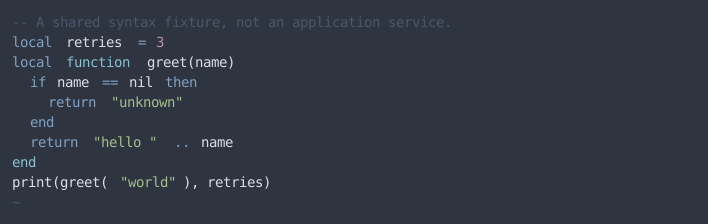

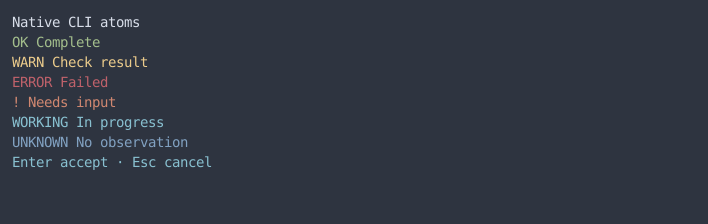
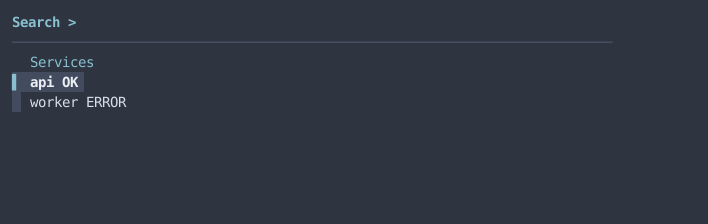
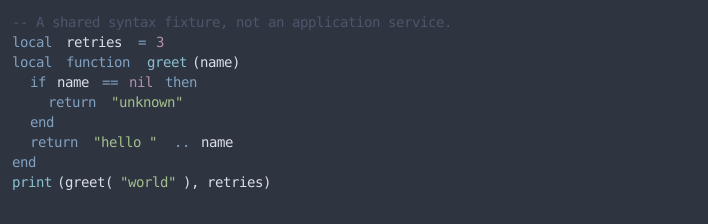
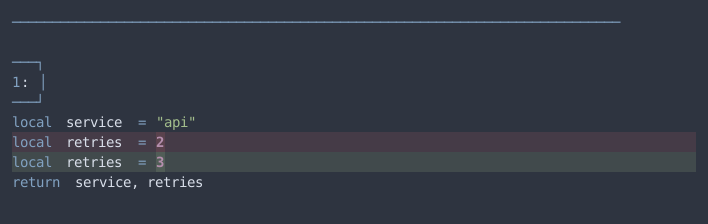
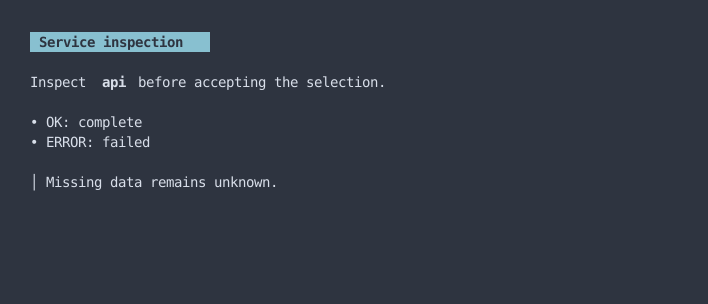
Neovim baselines inspect resolved native highlights after loading the real Gitsigns, lualine and fzf-lua plugins and after reloading the colorscheme. The existing Zellij status workflow checks actual rendered prefix and attention states. These checks complement the saved pager examples; they do not establish every enabled plugin’s interactive appearance.
Baseline
Section titled “Baseline”The pre-migration settings and Neovim observations preserve the old customized appearance. Intentional normalization replaces the non-Nord Kitty selection, extra bright ANSI colors, purple primary focus, and hand-picked Git diff backgrounds. The independent JSON baselines live under design-system/baselines/nord/. Native captures are stored under docs/design-system/presets/nord/, so recording another preset cannot replace these examples.